When AI has a role, not just a prompt
Chromata is a color theory learning web app for graphic design students. In Project 01, AI worked inside an existing design system. Chromata had none - only the problem to solve, and a product to build through genuine back-and-forth collaboration.
At a glance
Shipped a live color-learning app, built entirely through the loop.
The build
Context
Project 01 was a complex SaaS product - many screens, dense data, an existing design system. AI was the right tool for generating within those constraints. Chromata is a different kind of problem: a simple web app with few screens, but one that depends entirely on its interactions to teach. A designer could sketch the idea, but couldn't ship the experience without a developer.
Micro-interactions and animations had always stayed as sketches in Figma. AI could finally build them. That possibility was what started this project - and working through it is what turned the approach from 'AI as tool' into 'AI as teammate.'
01 · Concept
The concept stage was where this approach was first tested. There was no defined workflow yet - just an idea to work with AI as a genuine thinking partner, starting from the problem the product needed to solve.
The Learning Gap
Graphic design students enter college with a childhood RYB mental model of color. Design software then introduces RGB, CMYK, and HSL simultaneously - systems that appear to contradict what students already know. When a color looks different in print than on screen, students don't understand why it happened and fall back to trial and error. Chromata was built to teach the why.
Two Directions
Through discussion with the Product Designer and Researcher personas, two distinct visual directions were explored.
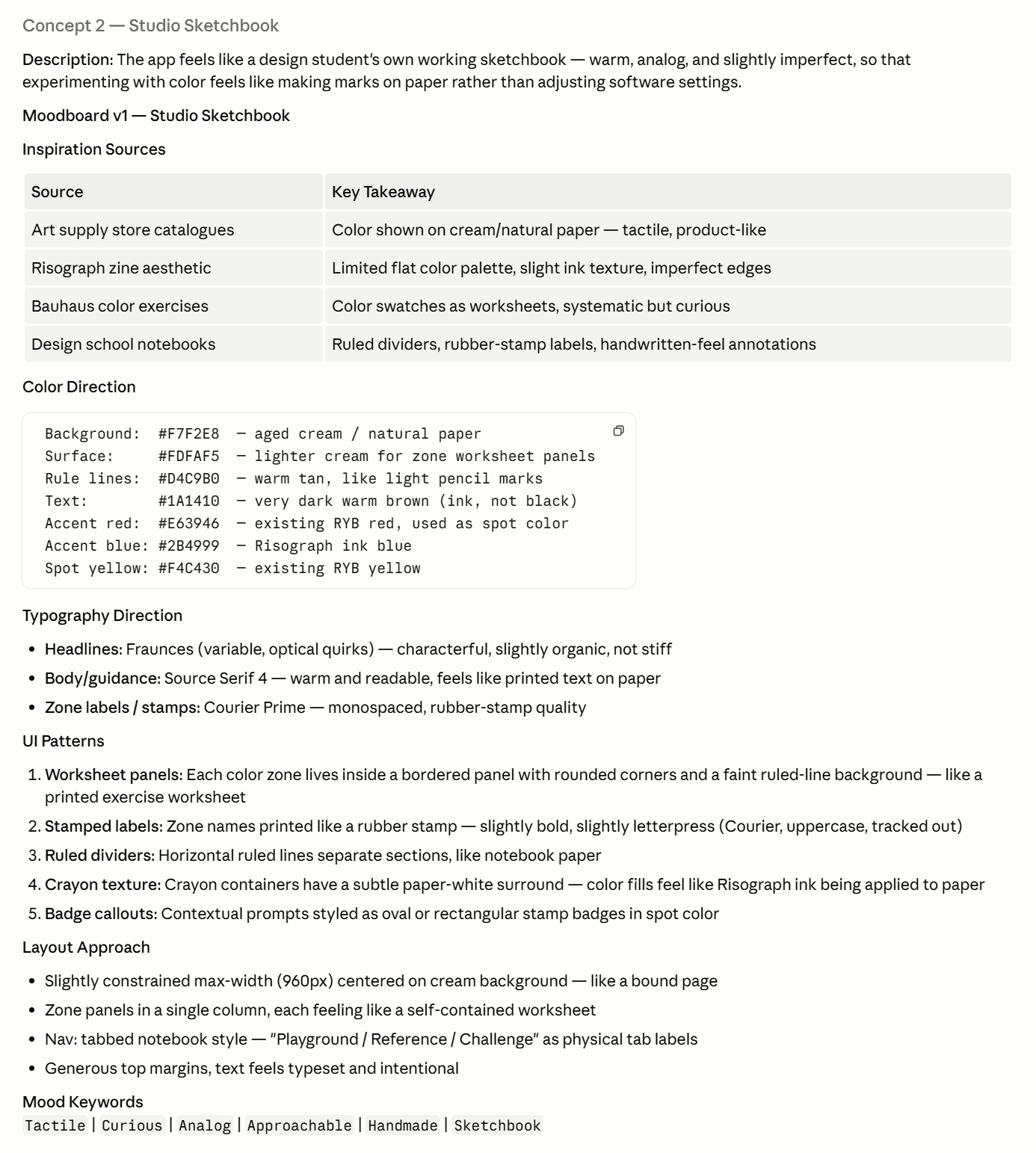
Studio Sketchbook
Design as a physical, tactile act.
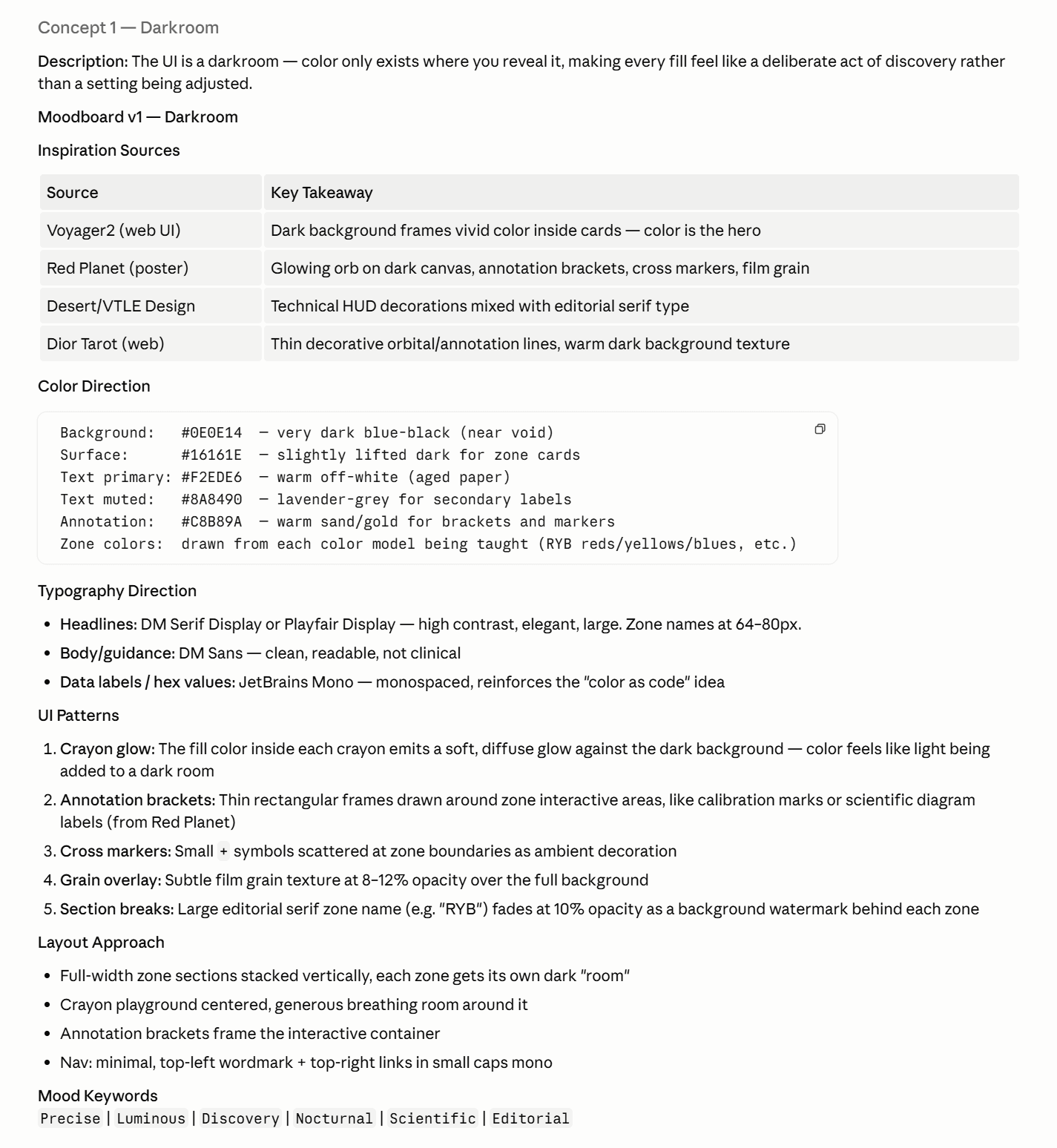
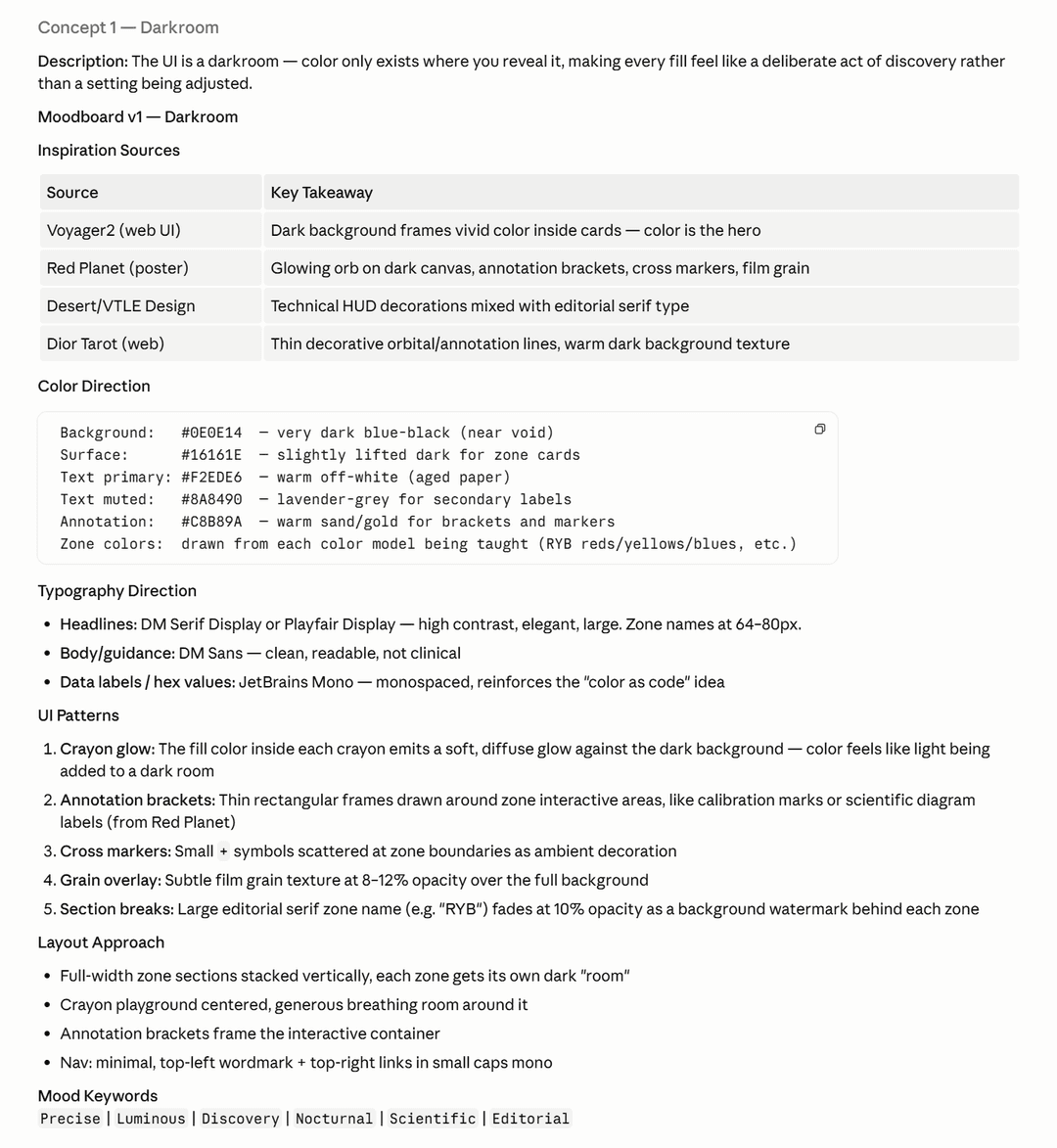
Darkroom
Colour only exists when you reveal it.
The Darkroom direction was carried forward - its core idea mapped directly to the learning problem: colour exists differently across systems, and students only understand it when they reveal it themselves. A black background also made practical sense: working with colour means the colour has to be the signal, not the background noise. The build began. That was when the real friction started.
There were moments where stopping felt easier than continuing.
02 · What I Learned
Going through the concept stage, those frustrations didn't disappear - they repeated. Stepping back to look at what was actually going wrong revealed three patterns.
Long sessions drift
General AI agents have no role to stay loyal to. When a session runs long or a bug loops, the model anchors on its own prior answers - and without a defined persona, there's no accountability to pull it back. A fresh session with an assigned role resets both.
Record the learning
Knowledge dies between sessions without a structured handoff. Corrections made in one session don't carry to the next - not because the AI forgot, but because no instruction existed to pass them forward. Skills and constraints must be written before the work begins, not summarized after it ends.
This process needs slack
Every confirmation loop burns tokens. Rework, repeated clarifications, and unresolved ambiguity compound fast - a single day of work becomes multi-session delays. An optimized workflow minimizes back-and-forth by design, not by accident.
All three pointed to the same absence: the AI had no role to hold, no memory to draw from, and no structure to keep it on track. The build stopped. The foundation had to come first.
03 · Preparation
Working with AI as a teammate requires the same preparation as onboarding a new team member: define the role, the responsibilities, and the constraints - before the work starts.
The Team
Four AI personas were defined - each with a distinct role, just as a real product team would be structured.
Skills and Constraints
Each persona was given a set of skills and constraints before the project began - instructions that defined how they should think, what they should prioritise, and what they were not allowed to do. This is one of the key differences between working with AI and working with a human: a human teammate brings judgment from experience. An AI teammate needs that judgment written down upfront.
Who Was Active, When
| Persona | Brainstorm | Design | Testing | Launch |
|---|---|---|---|---|
| Product Designer | ◆ | ◆ | ◆ | ◆ |
| Researcher | ◆ | ◆ | ◆ | ◆ |
| FE Developer | ◆ | ◆ | ◆ | ◆ |
| QA Tester | ◆ | ◆ | ◆ | ◆ |
04 · The Loop
With the process defined, every zone, every page, every decision followed one repeatable cycle. The loop never changed - only the subject of each pass did.
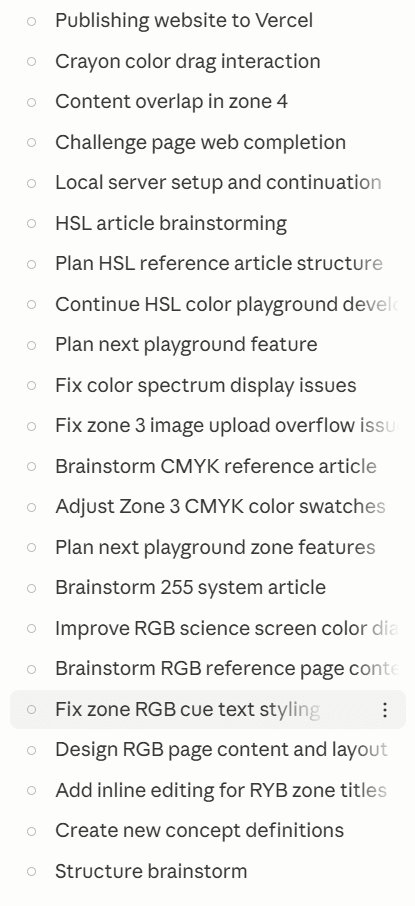
Every session logged throughout the Chromata build.
The loop didn't run once. Every design decision, every interaction, every fix went through the same cycle - and started again when the output didn't hold. The screenshots below are what that looked like.
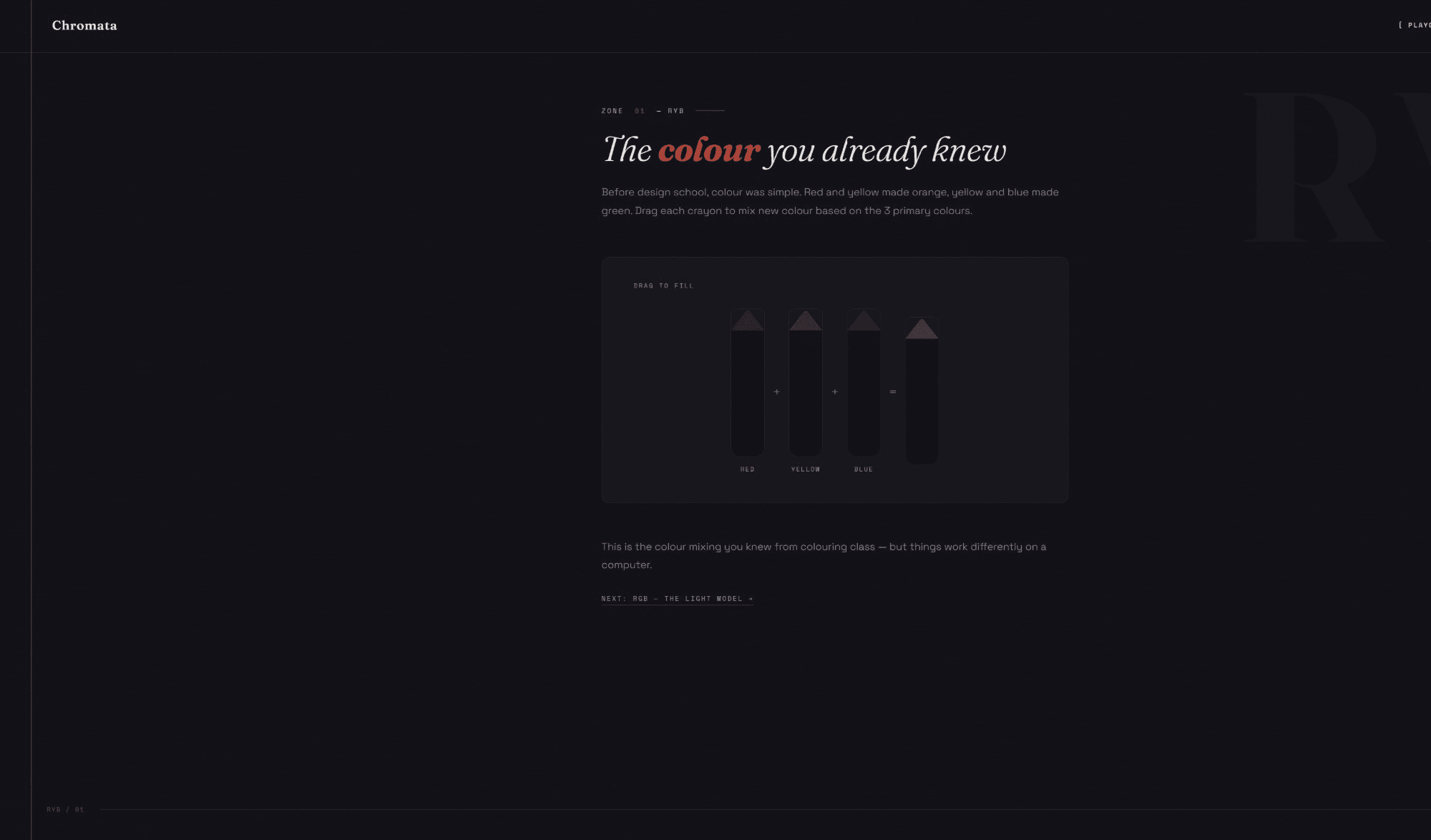
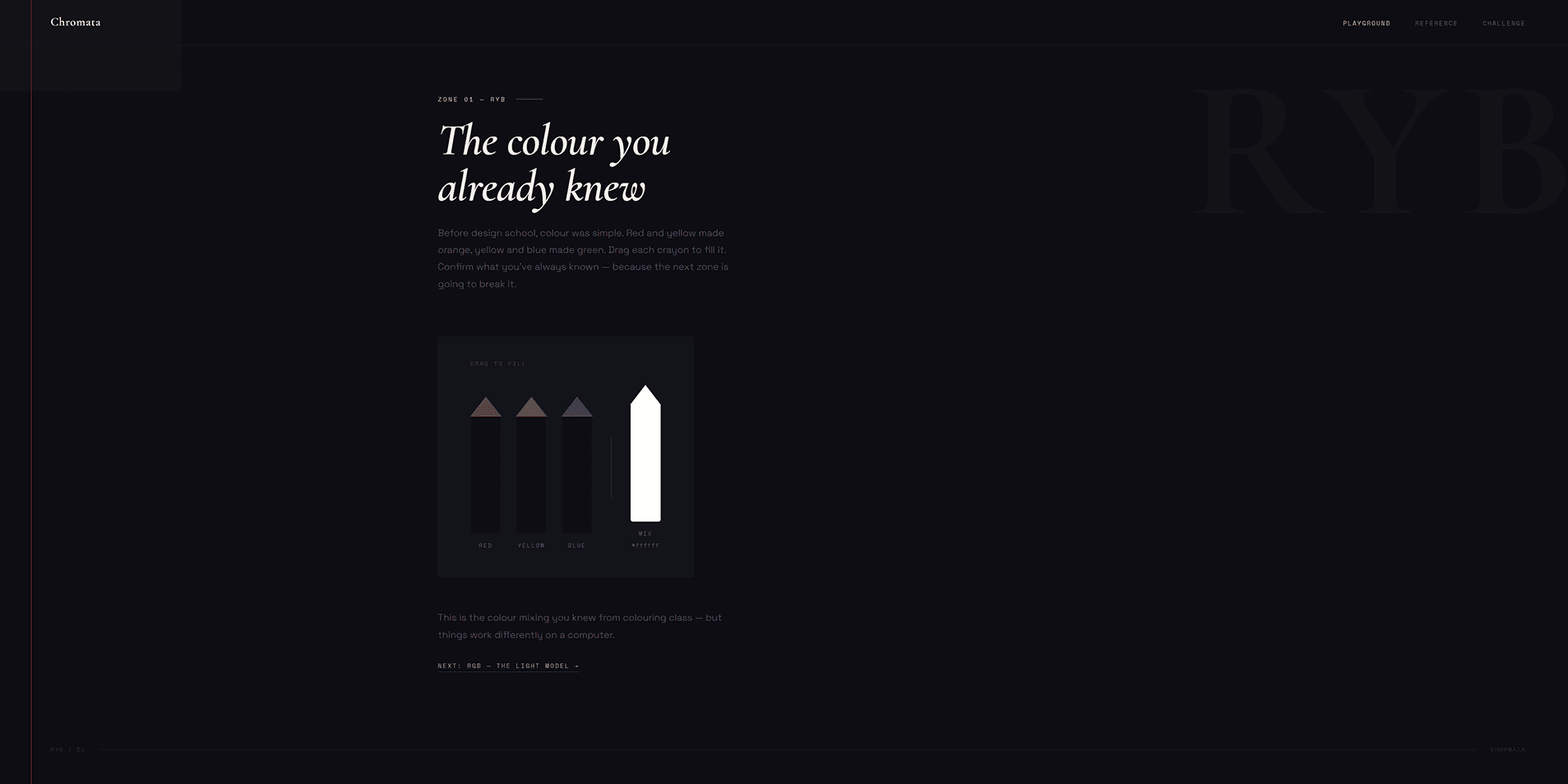
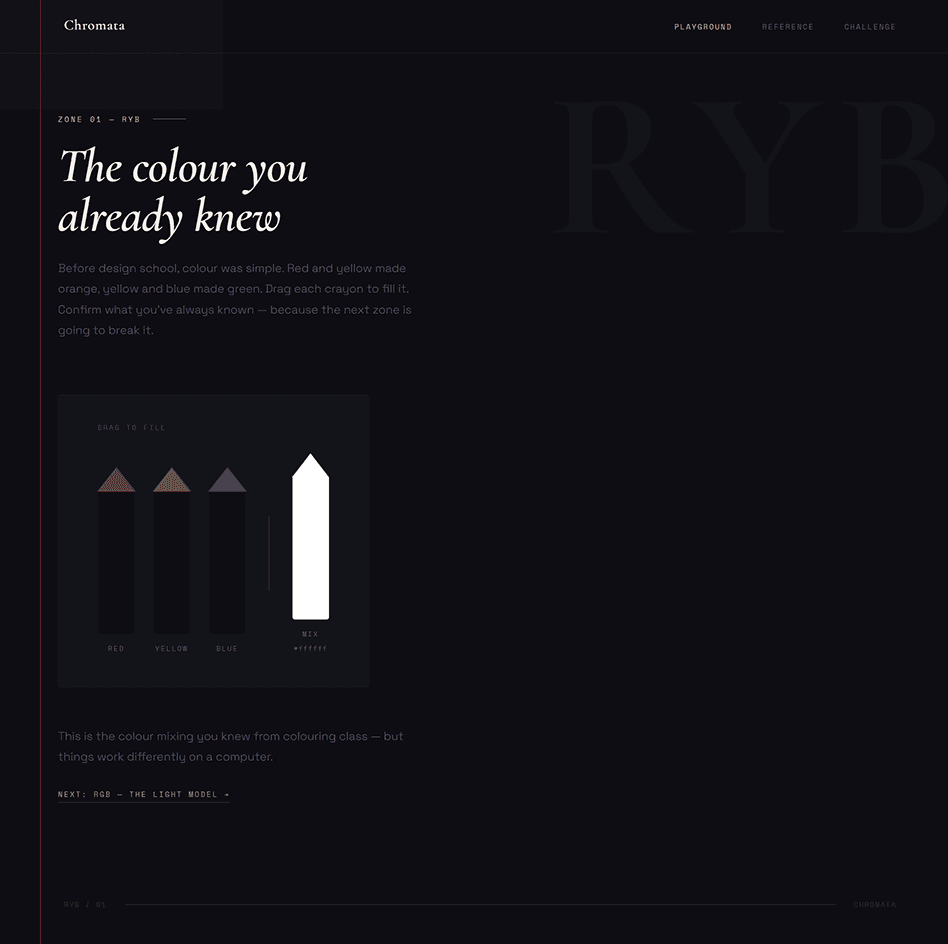
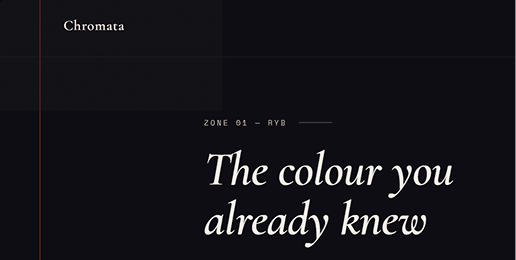
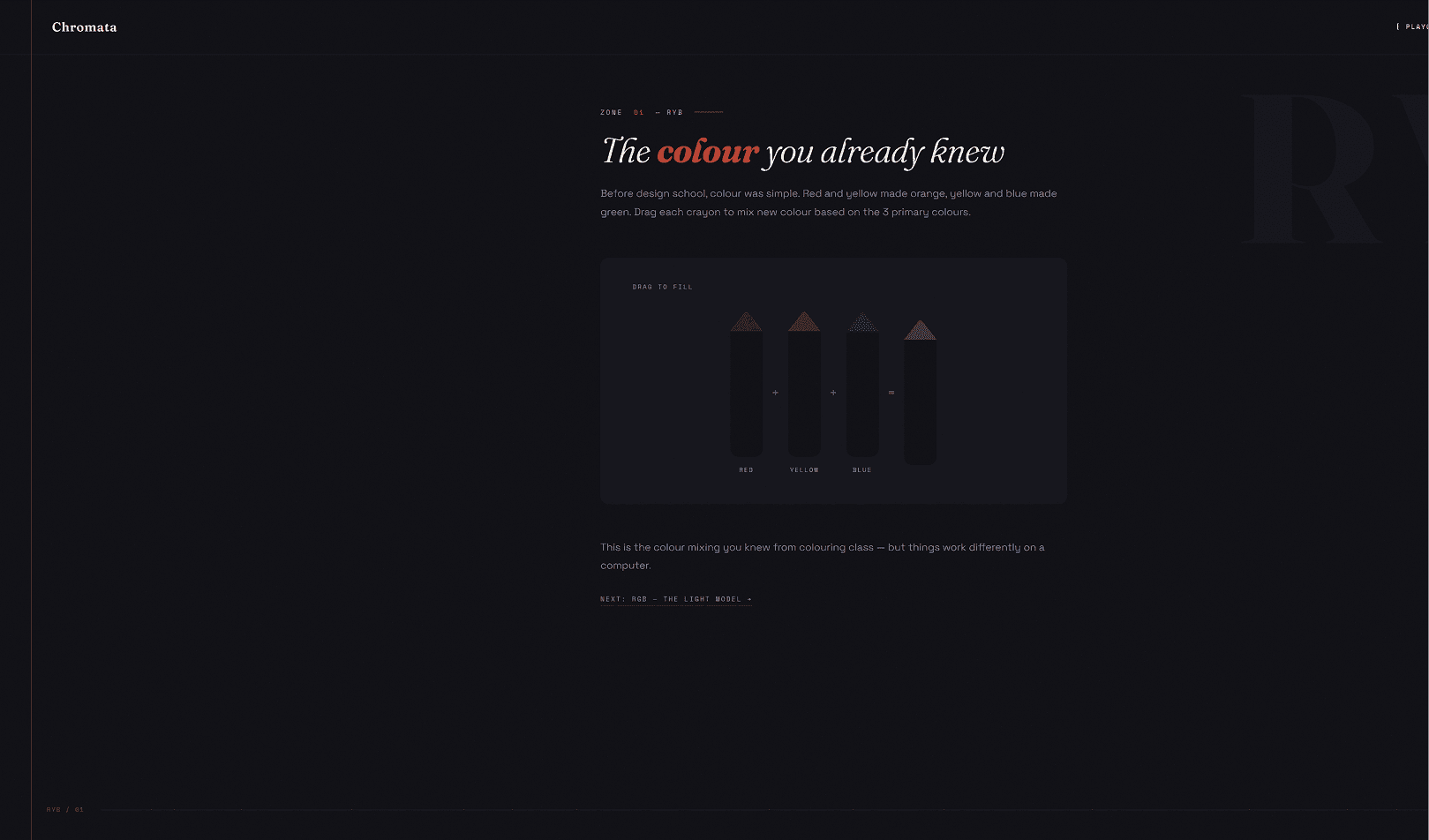
Five attempts at the same screen - each one showing exactly where the structure broke.
Final
05 · Result
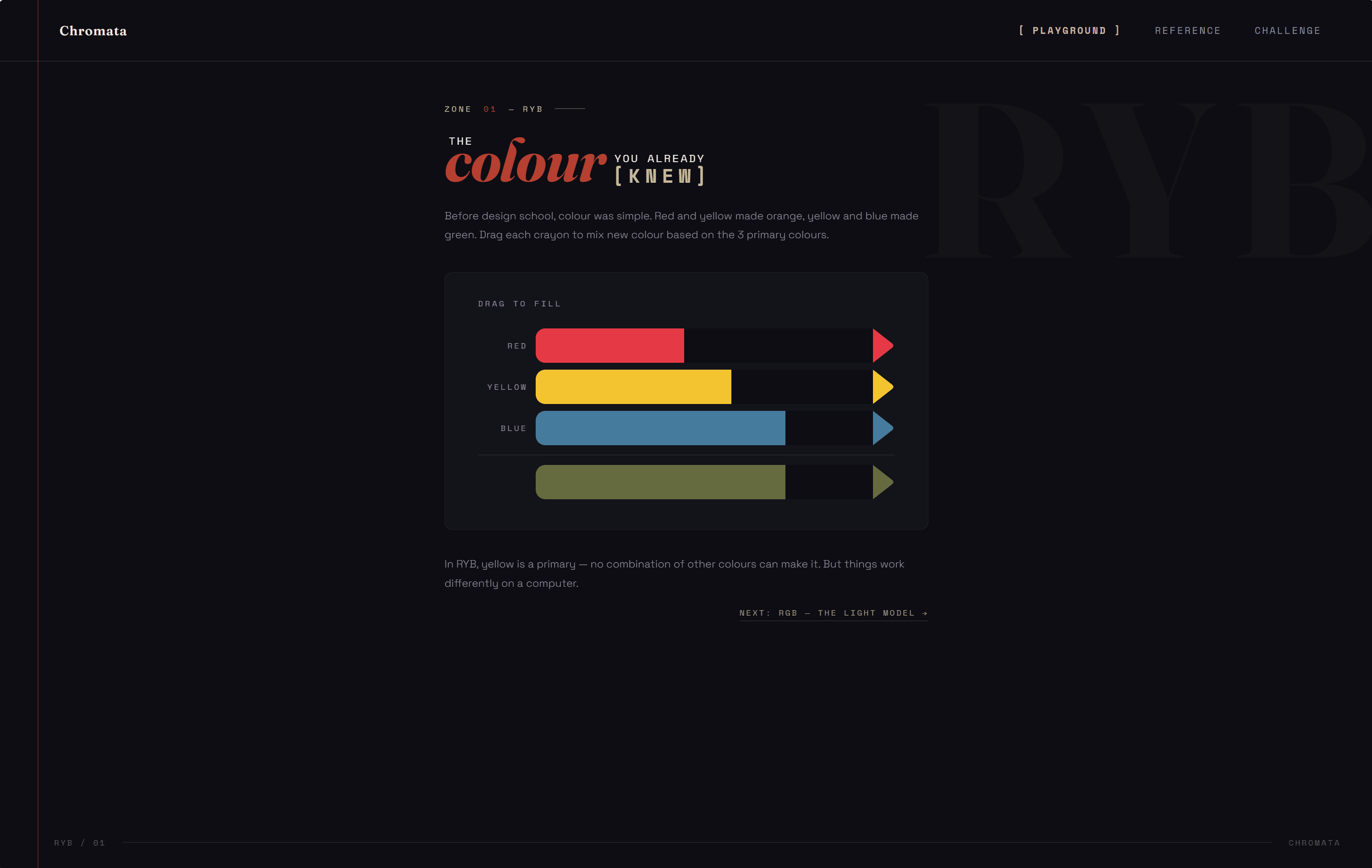
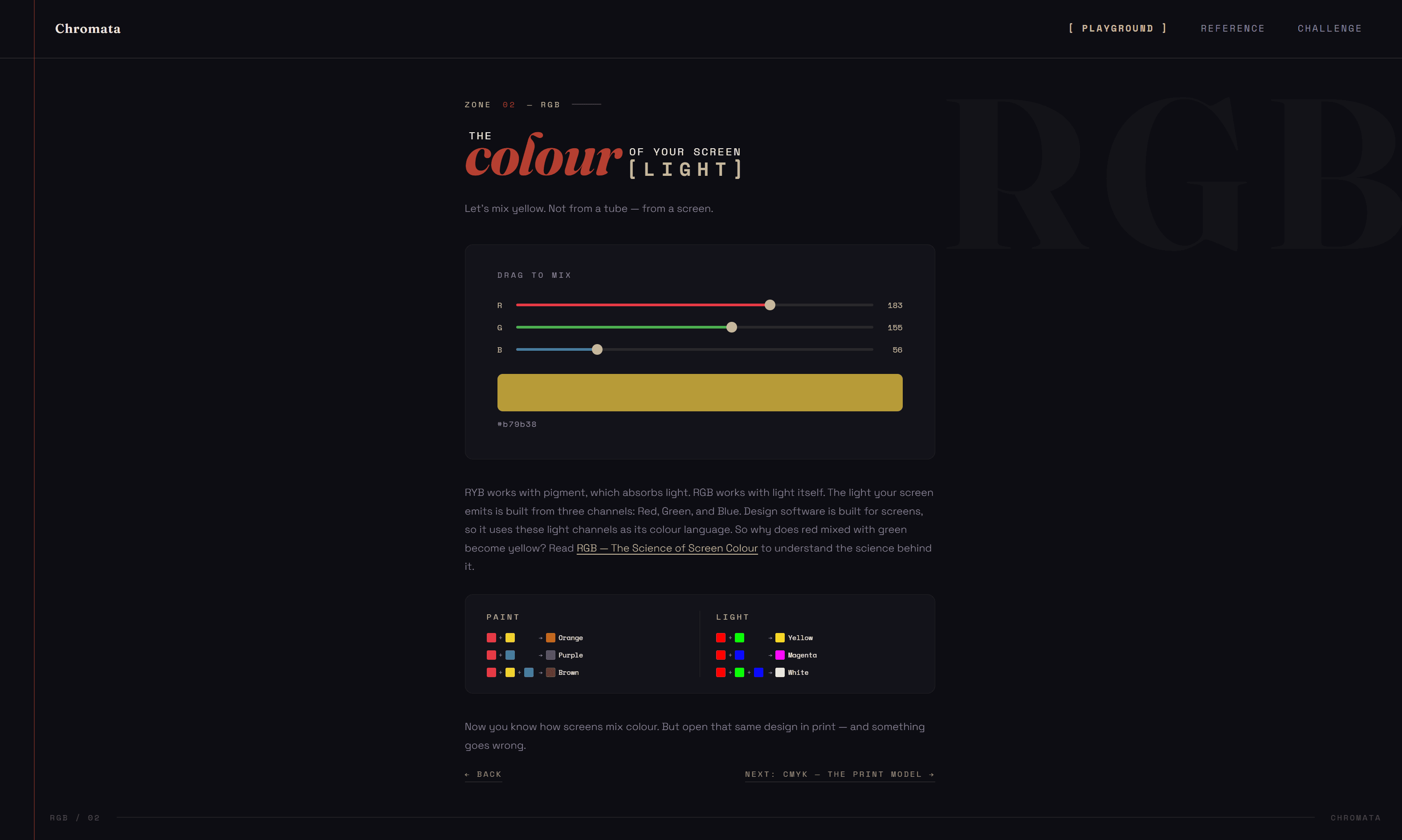
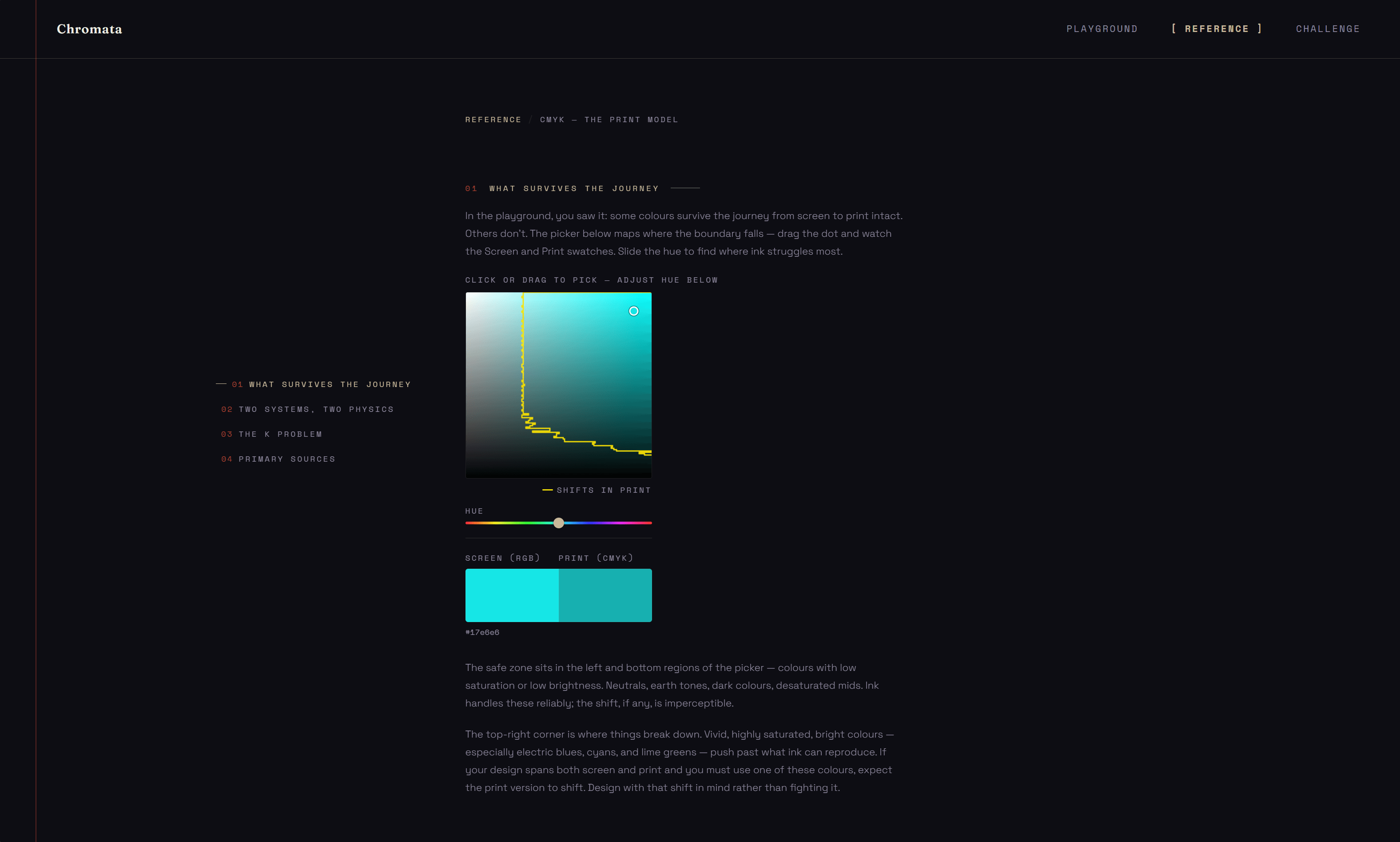
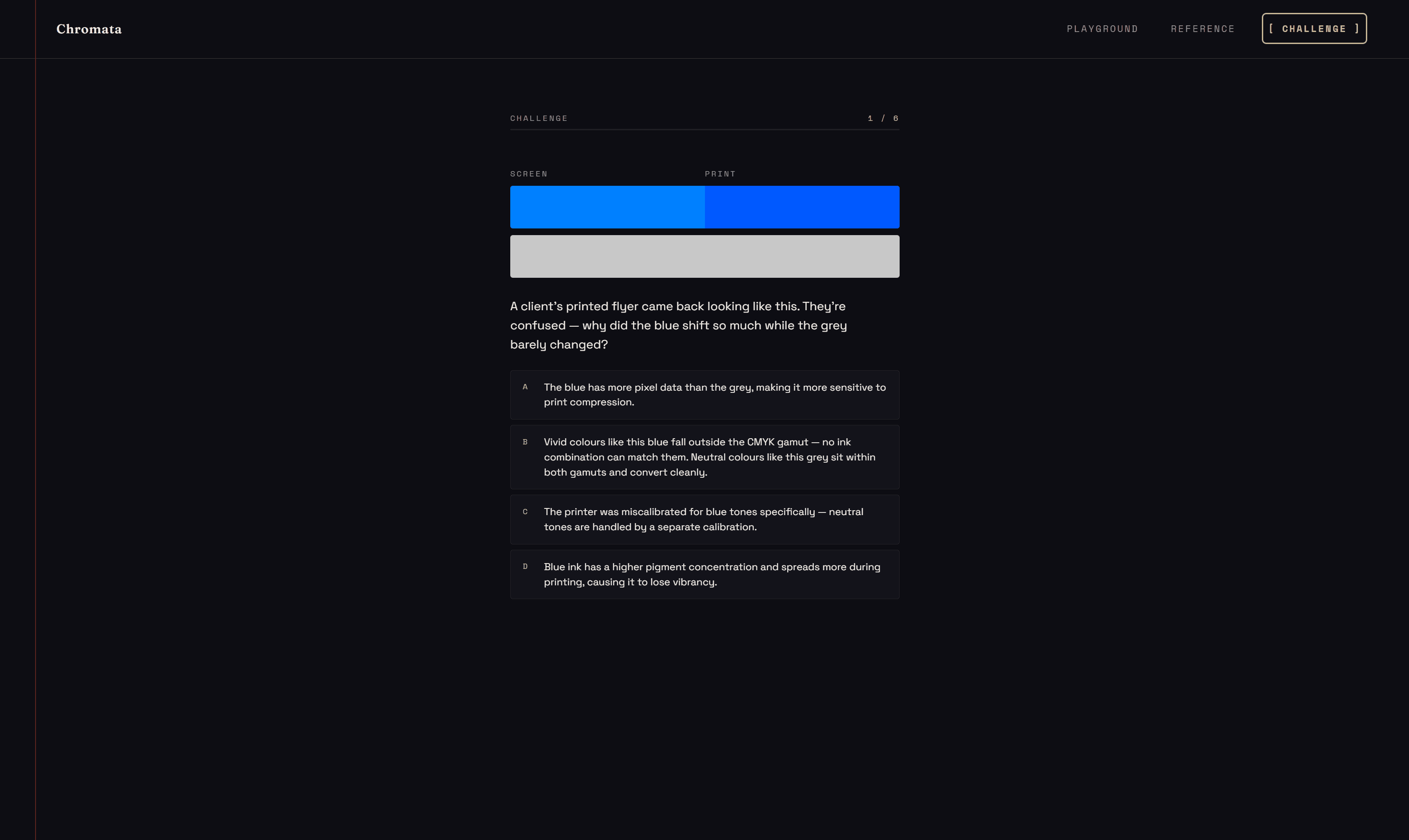
Chromata shipped as a three-section learning app: a Playground with four interactive color zones, a Reference section answering the questions students actually search, and a Challenge with scenario-based questions. Built without a design system, without a team - every decision shaped by a loop that critiqued before it shipped. That's what the method produces.
22 sessions · ~10 days · ~3 sessions per feature - the loop ran for real, not as a one-shot prompt.
06 · The Framework
Most designers use AI as a one-way tool - a prompt goes in, output comes out, the designer decides what to keep. This framework is built on a different model. Every stage is a two-way conversation: the designer proposes a direction, AI critiques it, flags inconsistencies, suggests alternatives, and cross-checks against the defined constraints. The output gets challenged before it's accepted. That's what makes it a teammate rather than a generator.
The project ends. The process doesn't.